

OPENAI MOVES INTO HARDWARE: A $230 KEYBOARD AND LEGAL BATTLES WITH APPLE
A SMALL KEYBOARD WITH BIG AMBITIONS
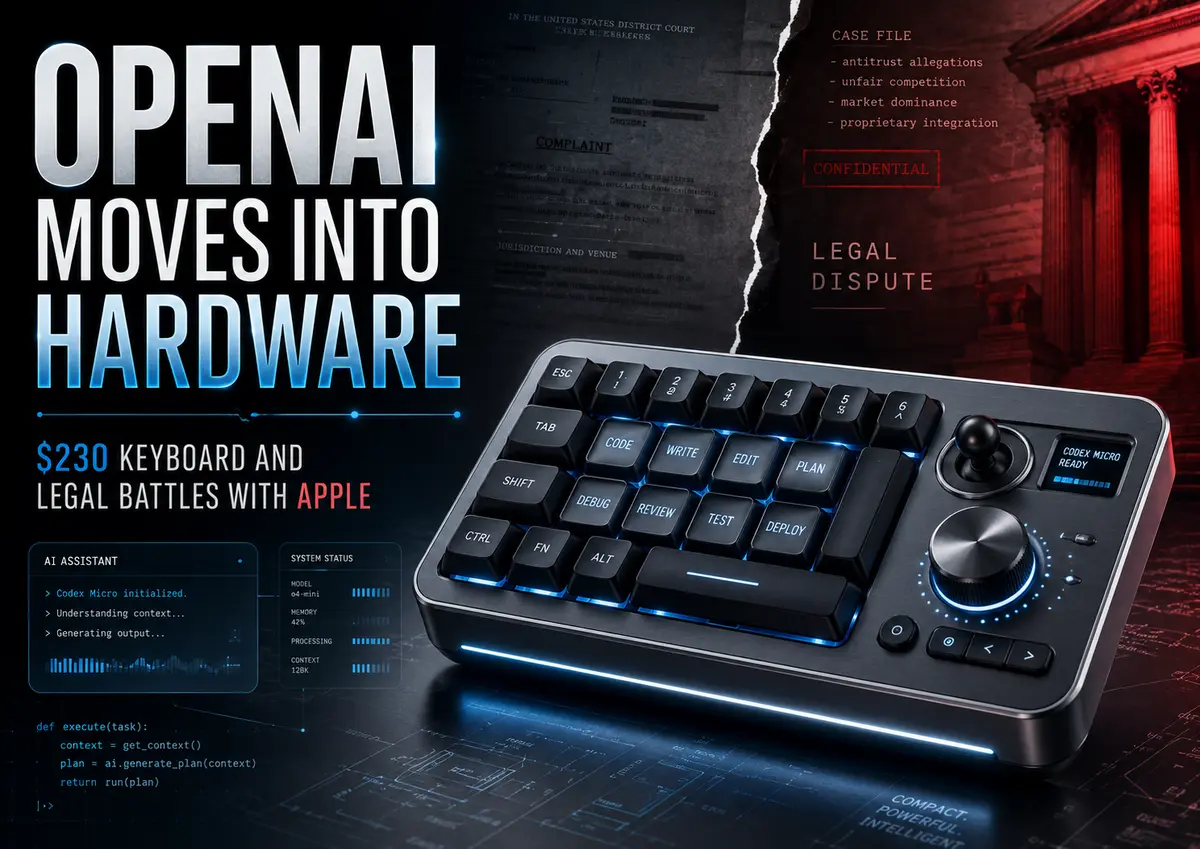
OpenAI has finally taken a step that many people have been expecting for a long time: it has released its own device. The surprise, however, is that it is neither a smart speaker nor a wearable gadget with a voice assistant. It is simply a keyboard—a small, compact keyboard equipped with a joystick and a rotary dial. Its name is Codex Micro.
The device was created in partnership with Work Louder, a Canadian-Italian company known for producing mechanical keyboards for technology enthusiasts and professionals. Visually, Codex Micro resembles some of the manufacturer’s other products, such as the Creator Micro 2, which was developed in collaboration with Figma. Internally, however, it is a completely different story.
The device looks like a compact control panel featuring thirteen illuminated keys, a mini joystick, and a rotary controller. All these elements are connected to Codex, OpenAI’s proprietary AI platform for programming. The idea is simple but ambitious: instead of clicking a mouse and navigating menus on a screen, developers can control their AI agents with the press of a button.
The LED keys display the status of individual agents: white means idle, blue indicates that a task is being processed, green means the task has been completed, and red signals an error. A single click allows the user to switch between different AI assistants, while a double-click brings the selected assistant to the foreground.
The joystick can be used to launch common tasks such as reviewing code, searching for errors, or performing refactoring. The rotary dial is the most interesting element of the device. It controls the AI’s “reasoning level”—in other words, how much time and computing power the neural network will spend solving a particular task. Turn it in one direction to receive a quick response to...